mirror of
https://github.com/helix-editor/helix.git
synced 2025-12-31 01:50:58 +02:00
91
Themes
Daniel Fichtinger edited this page 2025-04-17 00:21:39 -04:00
Setting theme
:theme <theme> command in helix, or theme = "<theme>" in ~/.config/helix/config.toml. You can also install a custom theme by creating a file with the name of your theme as file name (i.e. mytheme.toml) and placing it under ~/.config/helix/themes folder. For more information, take a look at the Theme section of the book.
For a breakdown of each of the theme keys, you can refer to this detailed theme template.
To preview instantly, you can always :theme <tab><tab>....
Available themes
Dark
Ashen
Autumn

Ayu Dark

Ayu Mirage

Base16 (Terminal)

Base16 Transparent

Base16

Bogster

Boo berry

Catppuccin Frappe

Catppuccin Macchiato

Catppuccin Mocha

Dark high contrast

Doom Acario Dark

Dracula

Everforest

Ferra

Fleet Dark

Gruber Darker
Gruvbox Dark Hard

Gruvbox

Heisenberg

Hex_steel

Hex_toxic

Jellybeans

Kanagawa

Meliora

Mellow

Molokai

Monokai Pro
Machine

Octagon

Ristretto

Spectrum

Standard

Monokai

New Moon
Night Owl

Nightfox

Noctis Bordo

Noctis

Nord Night
Nord

Onedark
 Font: mononoki
Onedarker

PaperColor Dark

Peachpuff
Pop Dark

Rasmus

Rosé Pine Moon

Rosé Pine

Serika Dark

Solarized Dark

Sonokai

Tokyo Night
Night

Storm

VSCode Dark+

Varua

Zenburn

Light
Acme

Ayu Light

Base16

Bogster Light

Catppuccin Latte

Cyan Light
Emacs

FlatWhite

Gruvbox Light

Ingrid
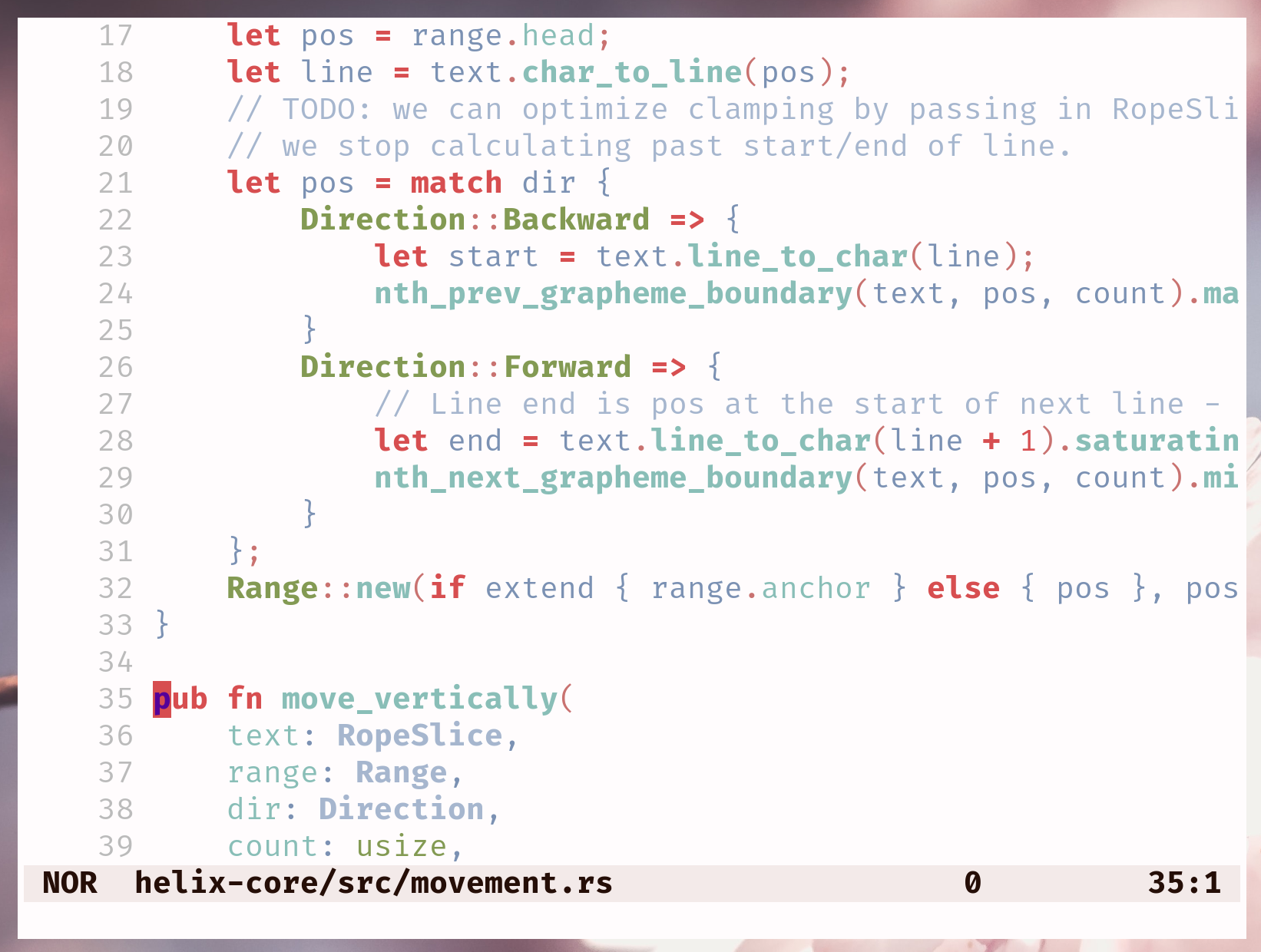
Nord Light

OneLight

PaperColor Light

Rosé Pine Dawn

Serika light

Solarized Light

Spacebones
